
Hello NetBird Community!
We're back with our monthly newsletter, and this one is a big one. February brought two major releases that we've been working toward for a long time: a built-in reverse proxy and a CLI expose command. On top of that, we published guides on securing Home Assistant and much more.
Here's everything you need to know.
Built-in Reverse Proxy with Custom Domains (v0.65)
This is the one a lot of you have been asking for. NetBird v0.65 introduces a built-in reverse proxy in the management server, letting you expose internal services to the public internet with optional SSO, PIN, or password authentication. No VPN client required for end users. They just open a browser.
Point a custom domain at your NetBird server, configure the proxy in the dashboard, and your internal services are securely accessible from anywhere. TLS certificates are provisioned automatically. Routing goes through encrypted WireGuard tunnels. Everything is fully self-hosted and fully under your control.
Here's what you get:
- Custom domains with automatic TLS certificate provisioning
- Path-based routing to send different URL paths to different backend services under a single domain
- Multiple authentication methods you can mix and match: SSO through your IdP, shared passwords, PIN codes, or no auth
- Migration guide for existing self-hosted deployments to enable the reverse proxy
The reverse proxy is currently available for self-hosted deployments, with cloud support coming soon. Also, we now ship a Unified server binary that consolidates management, signal, and relay into a single container for simpler deployments.
Learn more: Knowledge Hub article | Reverse Proxy docs | Migration guide
Expose Local Services from the CLI (v0.66)
Building on top of the reverse proxy, NetBird v0.66 introduces the command. One command, and your local service gets a secure, public URL through the NetBird reverse proxy. The service is ephemeral, it lives only while the command runs and cleans itself up when you stop it. No dashboard clicks, no YAML files, no orphaned configurations.
This is perfect for quick demos, sharing a dev server with a teammate, or testing webhook integrations. You can protect exposed services with the same authentication options as the dashboard: PIN, password, SSO user groups, or any combination.
Stop the command and the service is gone. If the client crashes, it automatically expires after 90 seconds. Everything cleans itself up.
Learn more: Knowledge Hub article | Expose from CLI docs
Use Case Spotlight: Home Assistant Access
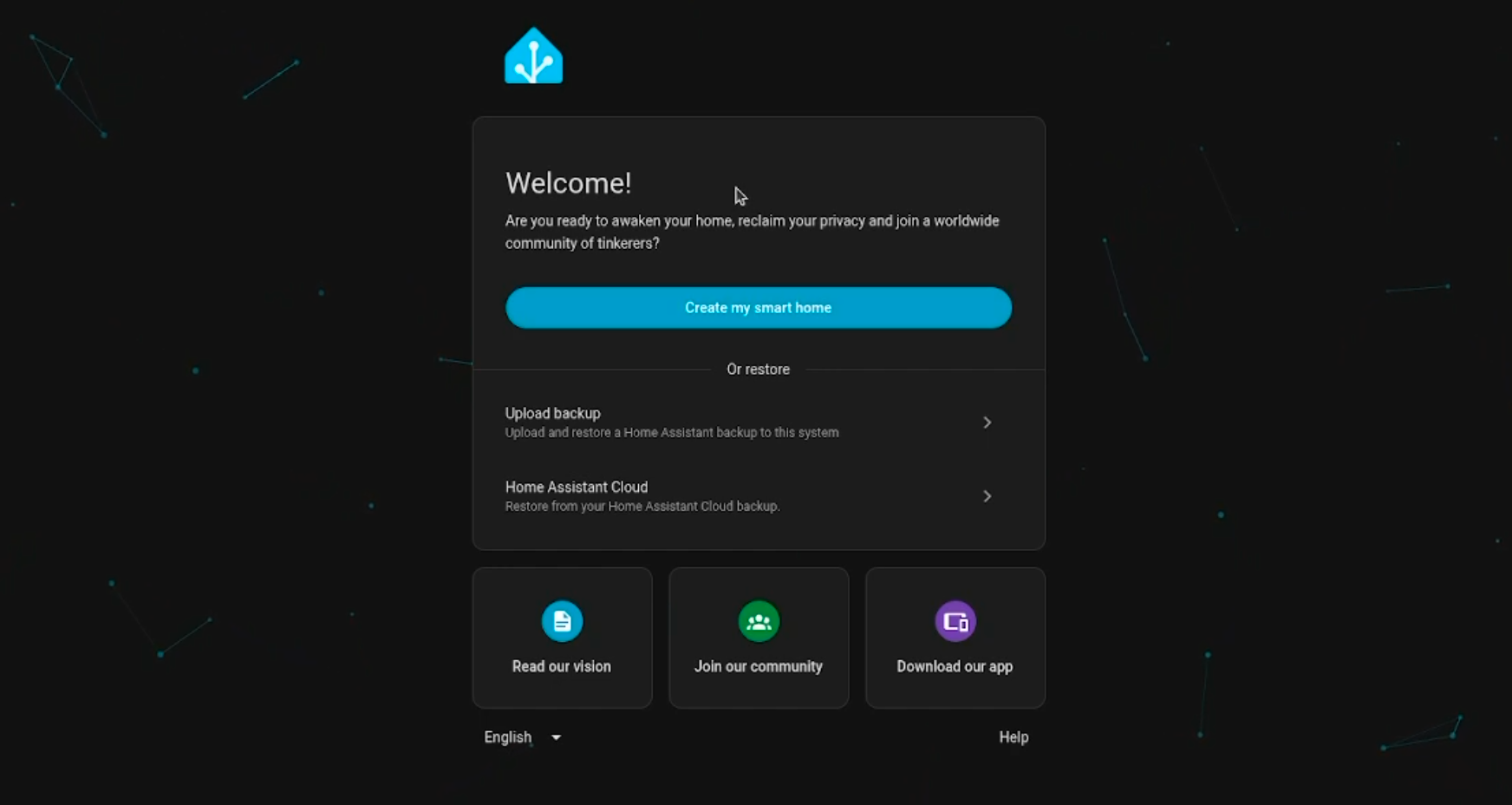
We published a full guide on setting up Home Assistant and making it securely accessible from anywhere using the new reverse proxy. No port forwarding, no Cloudflare Tunnels, and with optional SSO authentication at the proxy layer.
The guide covers everything from installing Home Assistant on Proxmox using the community helper scripts to connecting it to your NetBird network via the official Home Assistant add-on and exposing it through the reverse proxy. The person accessing it doesn't need a VPN client. They just open a browser and authenticate.
If you've been looking for a self-hosted alternative to Nabu Casa's cloud service for remote Home Assistant access, this is it.
Learn more: Knowledge Hub article
Pangolin vs. NetBird: A Complete Comparison
With Pangolin gaining traction in the self-hosting community, we figured it was time to put both platforms side by side. We published a detailed comparison covering architecture, access control, network access, self-hosting, and deployment models.
The short version: both platforms are open source, both support self-hosting, and both now offer clientless web application access through a reverse proxy. The core difference is architectural. NetBird gives you a full peer-to-peer mesh with direct WireGuard connections between devices, plus the flexibility to also do hub-and-spoke routing when you need it. Pangolin is built around a centralized reverse proxy server in a hub-and-spoke topology.
If you've been wondering how the two stack up, this one's for you.
Learn more: Pangolin vs. NetBird comparison
Meet Us at KubeCon + CloudNativeCon Europe
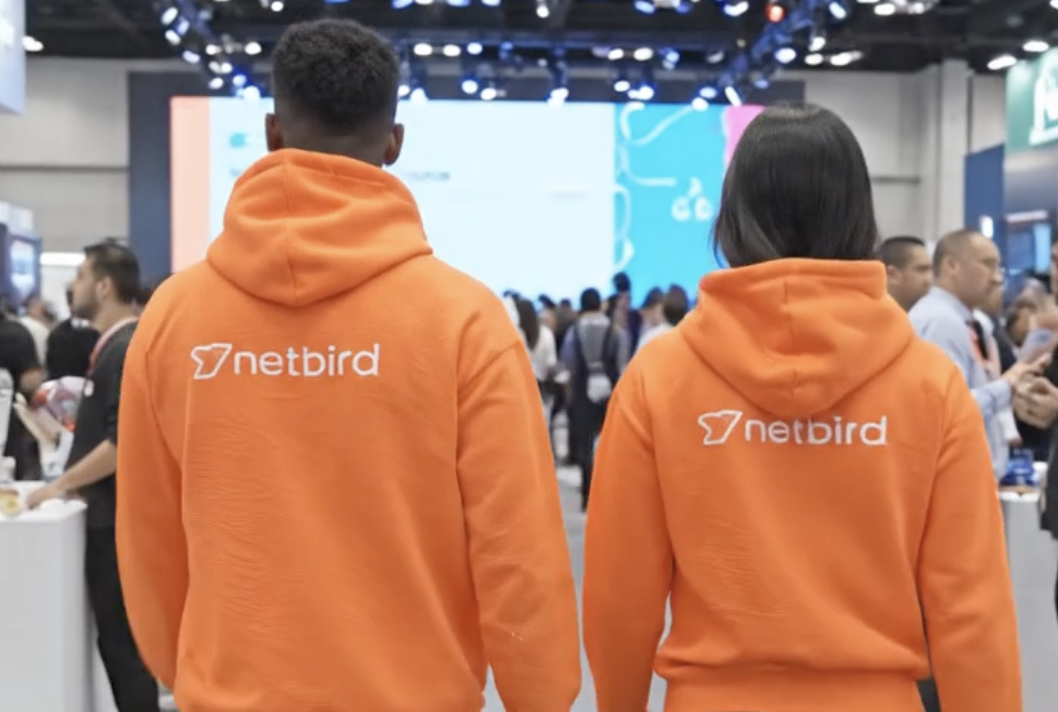
The NetBird team will be at KubeCon + CloudNativeCon Europe in Amsterdam this month. Come say hi at booth 951, meet the team behind the product, and grab some NetBird merch while you're there.
If you're attending, we'd love to chat about how you're using NetBird, what features you'd like to see next, or just talk shop about Zero Trust networking. See you there!
Learn more: KubeCon + CloudNativeCon Europe
Community Buzz
The response to the reverse proxy launch has been incredible. A few highlights from around the internet:
- Privacy Guides Community picked up the release, with users calling out NetBird as an open source alternative to Cloudflare Tunnels, ngrok, and Pangolin
- Community members are already publishing guides on deploying the NetBird reverse proxy on Kubernetes , which is super cool to see
- We've crossed 23,000 stars on GitHub , continuing the momentum from hitting 20k just a few months ago
Your feedback, GitHub issues, and community guides make NetBird better every day. If you've written something about NetBird or built an interesting integration, let us know. We love sharing what this community builds.
Star NetBird on GitHub | Leave a review
What's Next
We're already working on the next set of improvements. Keep an eye out for:
- Cloud reverse proxy support
- Continued improvements to the expose command and proxy feature set
Thank you for being part of the NetBird community. Your feedback, GitHub issues, and ideas continue to shape what we build. If you haven't already, come hang out with us on Slack or star us on GitHub .
– Team NetBird
Check out the changelog to stay on top of all the product releases. Follow NetBird on LinkedIn !